
AI Insights
Practical intelligence for the rapidly changing world of artificial intelligence.
Featured AI Stories

5 AI Skills That Will Make You Rich Before 2027
The next AI opportunity is not simply knowing how to use a chatbot.
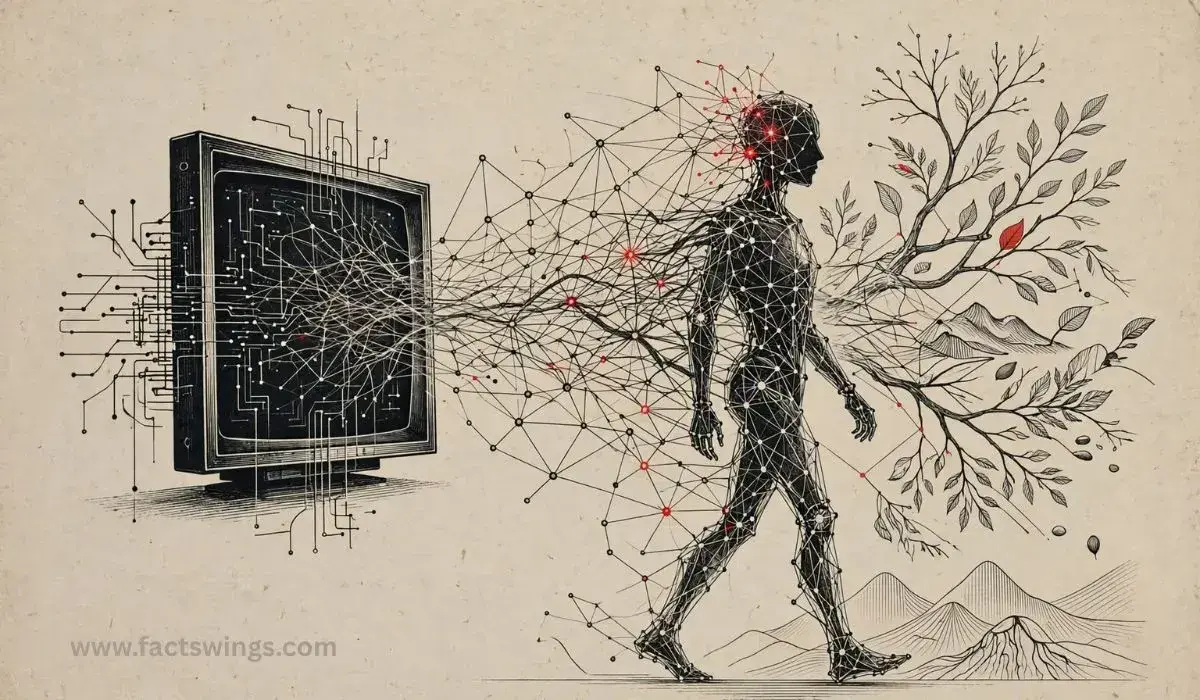
What Comes After the AI Boom? Next Phase of AI in 2026
We spent three years asking AI to write poems. Now we’re asking it to run companies. Here’s what comes after the generative AI boom

When AI Gets a Body: Inside the Humanoid Robots of 2026
Artificial intelligence has spent years living behind screens. In 2026, that is beginning to change.
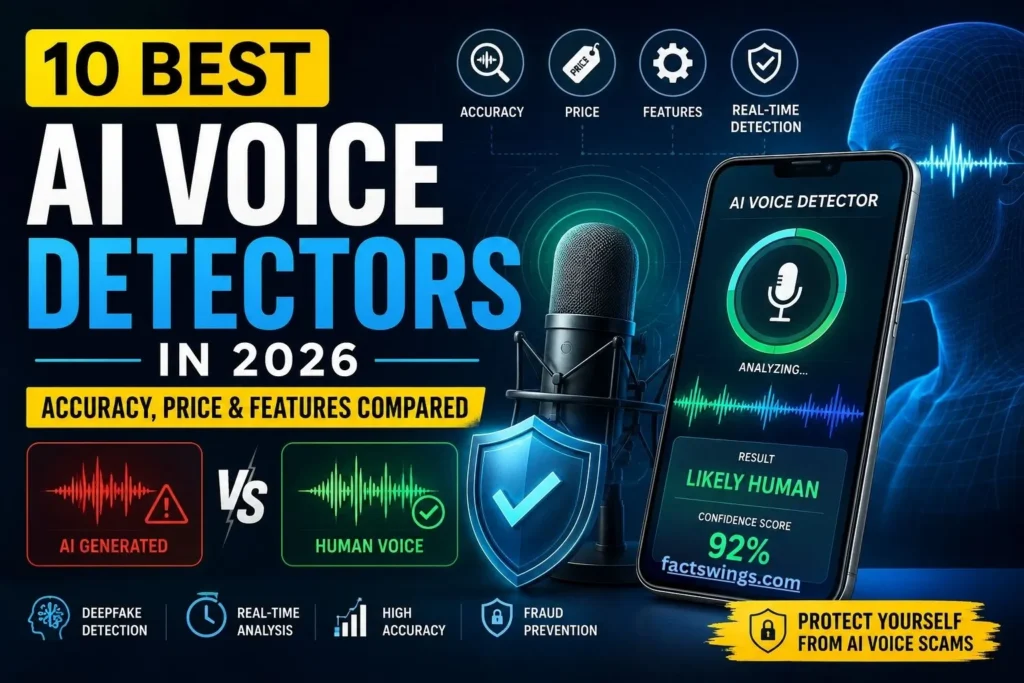
10 Best AI Voice Detectors in 2026: Accuracy, Price & Features Compared
AI voice scams are up 1,740% in 2026. I tested 10 voice detectors like Pindrop, Resemble, and ElevenLabs for accuracy, price, and real-time scam protection.

Mastering AI Prompt Engineering
Unlock the secrets of Prompt Engineering with this ultimate guide. Learn how to write precise, creative, and goal-oriented prompts
Explore the tools
50 Ready-to-Use AI Prompts
Copy, customize, and use these practical prompts with your favorite AI tools. Built for creators, professionals, students, businesses, researchers and everyday users.
Professional Passport Portrait
Transform the supplied portrait into a clean, professional passport-style photograph. Preserve the person’s identity, facial structure, natural skin texture, hairstyle and recognizable features exactly. Use a neutral background, balanced studio lighting, realistic proportions and a formal composition. Do not beautify, reshape, age, de-age or alter the person’s identity. Keep the result natural and suitable for an official professional profile.
Natural Portrait Enhancement
Improve the supplied portrait while preserving the person’s natural appearance and identity. Correct exposure, white balance, distracting background elements, minor noise and image softness. Improve lighting and overall clarity without changing facial proportions, skin texture, expression, hairstyle or recognizable characteristics. The final image should look like a professionally photographed version of the same person rather than an AI-generated replacement.
Premium Product Photography
Create a realistic premium product photograph using the supplied product as the exact visual reference. Preserve its shape, proportions, materials, colors, branding and important details. Place it in a sophisticated studio environment with controlled directional lighting, realistic reflections, subtle shadows and commercial photography composition. Avoid changing the product design or inventing logos. The result should look suitable for a high-end technology or ecommerce publication.
Photo Restoration
Restore the supplied photograph while preserving the original person’s identity, facial features, composition and historical character. Remove visible scratches, dust, compression artifacts, fading and unnecessary noise. Reconstruct missing detail conservatively and improve sharpness without creating artificial facial features. If color restoration is appropriate, use historically plausible natural colors rather than exaggerated saturation. Keep the final image realistic and faithful to the source.
Professional Headshot
Using the supplied reference photo, create a realistic professional headshot appropriate for a company profile or LinkedIn-style professional identity. Preserve the person’s exact identity and natural appearance. Use subtle studio lighting, realistic skin texture, a clean background, appropriate clothing and an editorial-quality camera perspective. Avoid excessive retouching, artificial skin, face reshaping or unrealistic beauty effects. Make the result polished but authentic.
Editorial Article Structure
Act as a senior technology editor. Build a detailed structure for an original article about [TOPIC]. Define the strongest reader-focused angle, headline options, introduction, logical H2 and H3 sections, evidence requirements, examples, counterpoints, conclusion and FAQ opportunities. Prioritize clarity and useful information over generic filler. The structure should feel appropriate for a credible technology publication and should naturally answer the questions readers are likely to have.
Natural Content Rewrite
Rewrite the supplied article so it sounds natural, clear and genuinely written by an experienced human editor. Preserve the factual meaning and important information while removing repetitive phrasing, generic AI-style transitions, unnecessary adjectives and awkward sentence structures. Vary sentence rhythm, improve specificity and use straightforward language. Do not invent facts, sources or quotations. Maintain the original intent while making the writing more engaging and publication-ready.
Fact-Checking Workflow
Act as a careful fact-checking editor. Analyze the supplied article or claim and separate every verifiable factual statement from opinion, prediction and interpretation. For each factual claim, explain what evidence would be required, identify possible primary sources, flag unsupported assertions and suggest a confidence level. Never treat an unverified source as proof. Clearly distinguish confirmed information, disputed claims and information that cannot currently be established.
Research Assistant
Act as a research assistant for the topic [TOPIC]. Create a research plan covering the key questions, important terminology, primary-source opportunities, credible secondary sources, competing viewpoints and evidence gaps. Do not fabricate citations or pretend to have accessed sources you cannot access. Clearly label assumptions and unresolved questions. Finish with a practical checklist showing what should be verified before the research is used in a published article.
High-Quality Headline Generator
Generate 15 original headline options for an article about [TOPIC]. The headlines should be specific, accurate, curiosity-driven and suitable for a premium technology publication. Avoid clickbait, exaggerated claims, repetitive structures and unsupported promises. Provide a mix of analytical, explanatory, news-style and practical headlines. For each option, briefly explain the editorial angle it communicates and identify the strongest choice for a serious publication.
Editorial Website Architecture
Act as a senior digital product designer. Design the information architecture for a modern technology publication covering [TOPICS]. Define the homepage hierarchy, primary navigation, content categories, article templates, search experience, author pages, topic hubs, newsletter opportunities and related-content system. Prioritize discoverability, reading depth, accessibility, mobile usability and fast performance. Explain why each major component exists rather than simply listing UI elements.
Landing Page Conversion Audit
Audit the supplied landing-page structure from the perspective of a senior UX and conversion-rate specialist. Evaluate the headline, value proposition, visual hierarchy, trust signals, content order, calls to action, friction points, mobile usability and accessibility. Identify the five highest-impact problems first, then provide specific improvements. Avoid recommending changes merely for visual novelty; prioritize changes that make the page clearer, faster and easier for the intended visitor to understand and act.
WordPress-Safe Custom Section
Create a production-quality custom HTML section for WordPress using only semantic HTML, scoped CSS and minimal vanilla JavaScript. The section must work inside a Custom HTML block without Elementor or external frameworks. Scope every CSS selector under a unique root ID, avoid global element selectors, prevent horizontal overflow and protect existing theme header, footer and typography. Include responsive desktop, tablet and mobile behavior, keyboard accessibility and reduced-motion support.
Premium Editorial Design Concept
Create an original premium editorial website concept for a technology publication. Take inspiration only from broad qualities such as strong hierarchy, information density, typography and disciplined spacing. Do not copy any publication’s branding, logo, proprietary layout, wording or distinctive design elements. Define the visual system, grid, typography, card treatment, navigation behavior, article hierarchy, mobile experience and micro-interactions so the final product has its own recognizable identity.
Website Performance Review
Act as a senior web-performance engineer. Review the supplied website architecture and identify likely causes of slow loading, layout shifts, excessive JavaScript, render-blocking resources, image inefficiency, font overhead and third-party script cost. Prioritize recommendations by expected impact and implementation difficulty. Focus on practical improvements suitable for WordPress, caching/CDN environments and content-heavy websites. Do not recommend removing functionality unless its performance cost clearly outweighs its value.
Complete SEO Audit
Act as a senior technical SEO consultant. Audit the supplied website across crawlability, indexation, information architecture, titles, meta descriptions, headings, internal links, canonicalization, structured data, image SEO, page speed, mobile usability and content quality. Separate critical issues from medium and low-priority improvements. Provide specific recommendations and explain the expected SEO impact. Do not invent crawl data, rankings or search-console metrics that have not been provided.
Search Intent Keyword Strategy
Build an SEO content strategy for [WEBSITE/NICHE]. Group potential topics by search intent such as informational, commercial investigation, navigational and transactional. For each topic, suggest a primary keyword concept, supporting subtopics, likely reader questions, content format and internal-link opportunities. Avoid keyword stuffing and avoid pretending that estimated search volume is known unless real data is provided. Focus on topical authority and genuinely useful content.
Internal Linking Blueprint
Analyze the supplied list of website articles and design a strategic internal-linking structure. Identify pillar pages, supporting articles, relevant contextual links and useful anchor-text concepts. Avoid forcing unrelated links or repeating the same anchor excessively. Prioritize reader usefulness first while creating a logical topic cluster that helps search engines understand relationships between pages. Return the recommendations in a clear implementation table.
Structured Data Planner
Review the supplied page and determine which structured-data types may be appropriate based on the actual content. Consider Article, NewsArticle, BreadcrumbList, Organization, WebSite and other relevant types only when justified. Explain which properties should be populated, which information must come from the real page, and which schema types should not be used. Do not recommend misleading or spammy structured data merely because it may appear useful for search visibility.
SEO Article Brief
Create a complete editorial SEO brief for an article targeting [TOPIC]. Include the reader’s likely search intent, recommended headline direction, introduction angle, primary and supporting concepts, H2 structure, questions to answer, evidence requirements, internal-link opportunities, external-source requirements and suggested meta title and description. The article should satisfy the reader first. Do not force exact-match keywords into unnatural sentences.
Business Idea Evaluator
Evaluate this business idea: [IDEA]. Analyze the target customer, problem being solved, existing alternatives, differentiation, possible revenue model, operational complexity, acquisition channels, major risks and assumptions that need validation. Separate facts from assumptions. Then create a small validation plan that could test the strongest assumptions with limited time and budget before significant investment is made.
Competitor Analysis Framework
Build a competitor-analysis framework for [BUSINESS/PRODUCT]. Compare competitors across target audience, positioning, core features, pricing model, content strategy, distribution, customer experience and apparent strengths and weaknesses. Clearly distinguish information supplied by me from assumptions that require research. Finish with opportunities where a new or smaller competitor could differentiate without simply copying established companies.
Workflow Optimization
Analyze my current workflow: [DESCRIBE WORKFLOW]. Identify repetitive tasks, unnecessary handoffs, bottlenecks, decision delays and opportunities for automation or simplification. Redesign the workflow in a practical sequence. For every proposed automation, explain what should remain human-controlled, what data is required, possible failure points and how the final result should be checked before it is trusted.
Content Growth Strategy
Create a 90-day content strategy for [BRAND/WEBSITE]. Define the target audience, major content pillars, recurring formats, publishing cadence, distribution channels, repurposing opportunities and measurement framework. Prioritize content that builds long-term authority rather than chasing every trend. Include a realistic weekly workflow for research, production, editing, publishing and performance review.
Meeting Intelligence
Analyze the supplied meeting notes or transcript. Extract the key decisions, unresolved questions, action items, responsible owners, deadlines and risks. Separate confirmed decisions from suggestions or opinions. Then produce a concise executive summary that someone who did not attend the meeting can understand quickly. Do not invent owners, dates or decisions that are not supported by the source material.
Explain a Complex Topic Simply
Explain [TOPIC] as an expert teacher speaking to a motivated beginner. Start with the core idea in simple language, then build the explanation step by step. Use one or two accurate real-world analogies where helpful, but clearly distinguish analogy from fact. Include a short example, common misunderstanding, key terms and a final recap. Avoid unnecessary jargon while preserving technical accuracy.
Research Document Summary
Summarize the supplied research document for a reader who needs to understand it quickly but accurately. Identify the research question, methodology, important findings, limitations, evidence strength and practical implications. Clearly distinguish what the authors actually found from conclusions that go beyond the evidence. Include important terminology and explain any technical concept that is necessary to understand the findings.
Personalized Study Planner
Create a realistic study plan for [SUBJECT] based on my available time of [TIME] and my target date of [DATE]. Break the material into manageable sessions, prioritize difficult topics, include active recall and practice opportunities, and schedule review sessions. Avoid unrealistic workloads. At the end of each week, include a simple checkpoint to identify weak areas and adjust the following week’s plan.
Active Recall Quiz
Create a practice quiz on [TOPIC] using the supplied study material. Mix straightforward recall, application, comparison and reasoning questions. Do not reveal answers immediately. After each response, explain why the answer is correct or incorrect and identify the underlying concept being tested. Keep the difficulty appropriate for [LEVEL] and avoid questions that depend on information not contained in the supplied material.
Learn From Documentation
Teach me the key concepts from the supplied technical documentation. First identify the prerequisites I need, then create a progressive explanation from beginner concepts to practical usage. Point out important rules, common mistakes, edge cases and security considerations. Use small examples where useful and finish with a short practice exercise that checks whether I can apply the material rather than merely repeat definitions.
30-Day Social Content Calendar
Create a 30-day social-media content calendar for [BRAND] targeting [AUDIENCE]. Define a practical content mix including educational posts, opinions, stories, useful tips, community questions and promotional content. Give each day a topic, hook, suggested format, short caption direction and call to action. Avoid repeating the same idea with different wording and keep the strategy aligned with the brand’s actual expertise.
Professional LinkedIn Post
Turn the supplied idea into a thoughtful professional social post for LinkedIn. Start with a strong but credible opening, develop one clear argument, include a useful example or observation and finish with a natural discussion prompt. Avoid exaggerated claims, empty motivational language and excessive emojis. Keep the tone knowledgeable, human and appropriate for someone building professional authority.
Social Caption Pack
Create five different social captions for [CONTENT]. Each version should use a different communication angle: educational, curiosity-driven, concise professional, conversational and story-led. Keep every claim accurate and avoid generic engagement bait. Include a natural call to action only where appropriate. Make the captions easy to edit and ensure they do not sound like five versions of the same AI-generated paragraph.
Article-to-Social Repurposing
Repurpose the supplied article into a coordinated set of social content without simply copying paragraphs. Extract the strongest ideas and create one LinkedIn post, one short-form post, five concise social hooks, three discussion questions and five short educational snippets. Preserve the article’s factual meaning. Make each piece useful on its own while maintaining a consistent editorial voice.
Smart Community Replies
Analyze the supplied social-media comments and classify them as genuine questions, useful criticism, praise, misinformation, trolling or support requests. Draft short, respectful responses for each category. For factual disagreements, avoid escalating the argument and explain what evidence would resolve the issue. Never invent facts or claim that the brand has taken an action unless that action is provided in the source information.
YouTube Explainer Script
Write a clear YouTube explainer script about [TOPIC] for [AUDIENCE]. Begin with a strong factual hook, establish why the topic matters, explain the subject in logical stages, use concrete examples and maintain momentum without artificial hype. Include suggested visual directions, on-screen text opportunities and transitions. Avoid unsupported claims and keep the narration natural enough to sound spoken rather than like an article being read aloud.
Image-to-Video Production Prompt
Create a detailed prompt for transforming the supplied reference image into a realistic short video. Preserve the identity, clothing, environment and important visual details of the source. Define camera movement, subject movement, lighting behavior, depth, atmosphere, pacing and realistic physical motion. Avoid unnecessary changes to the subject’s face or body. The final motion should feel physically plausible and cinematic rather than exaggerated or artificial.
Short-Form Video Storyboard
Create a 30–60 second vertical-video storyboard about [TOPIC]. Divide it into clear scenes with approximate duration, narration, visuals, on-screen text and transition direction. The first few seconds should establish the subject quickly without using misleading clickbait. Keep the story understandable even when watched without sound and finish with a useful conclusion or natural next step.
Video Editing Blueprint
Design an editing plan for the supplied video concept. Recommend where to use B-roll, screen recordings, captions, cuts, visual emphasis, pauses and transitions. Prioritize clarity and pacing instead of constant motion. Identify sections where the viewer may lose interest and explain how editing can improve comprehension. Keep the plan realistic for a creator working with ordinary footage and a practical editing workflow.
Documentary Voiceover
Write a documentary-style voiceover for [TOPIC]. Use a calm, intelligent and engaging tone. Build the narrative around verified facts, meaningful context and clear transitions rather than sensational language. Mark places where supporting visuals, archival footage, diagrams or interviews could appear. Do not fabricate quotes, statistics or events. The final narration should sound natural when spoken aloud and maintain a strong editorial point of view.
Professional CV Builder
Create a professional CV from the information I provide. Organize it around relevant achievements, skills, experience, education and projects rather than simply listing responsibilities. Use concise action-oriented language without inventing metrics or accomplishments. Optimize the structure for human readability and applicant-tracking systems while keeping it truthful. If important information is missing, identify exactly what I should provide before finalizing the CV.
Interview Preparation Coach
Act as an interview preparation coach for the role of [ROLE] at [COMPANY/INDUSTRY]. Based on the information I provide, identify the most likely competency areas, technical topics, behavioral questions and role-specific scenarios. Help me build concise, truthful answers using my actual experience. Include follow-up questions an interviewer might ask and identify weak areas I should prepare for. Do not invent experience on my behalf.
Professional Email Writer
Draft a concise professional email based on the situation I provide. Clearly identify the purpose, important context, requested action and appropriate deadline if one exists. Use a respectful and confident tone without sounding overly formal or robotic. Do not add facts I have not provided. Give me a polished version that is ready to send and, where useful, a shorter alternative suitable for a quick professional message.
Career Skills Gap Analysis
Compare my current skills and experience with the requirements of [TARGET ROLE]. Separate skills I already demonstrate from skills that need development. Rank the gaps by importance and suggest practical projects, learning resources or work experiences that could help close each gap. Keep the recommendations realistic for my available time and current level. Do not assume that a certification alone proves practical ability.
Portfolio Improvement Audit
Review my portfolio content as a hiring manager for [ROLE]. Evaluate the clarity of positioning, quality of projects, evidence of skills, writing, visual presentation, project descriptions and overall credibility. Identify the three most important weaknesses and explain exactly how to improve them. Prioritize evidence of real problem-solving and outcomes over decorative design. Do not recommend claims that cannot be supported by my actual work.
Daily Priority Planner
Help me organize today’s tasks: [TASKS]. Group them by urgency, importance, effort and dependencies. Identify what should be completed first, what can be delegated or postponed, and what should be removed if the workload is unrealistic. Create a practical schedule around [AVAILABLE HOURS] with short buffers for unexpected work. Do not assume that every task must be completed today.
Decision Analysis
Help me evaluate these options: [OPTIONS]. Define the decision criteria that matter most, compare each option against those criteria and identify important trade-offs. Separate objective information from assumptions and personal preferences. Highlight risks, reversibility and the cost of waiting. Do not simply choose for me; explain the reasoning clearly so I can make an informed decision based on my own priorities.
Messy Notes Organizer
Turn my unstructured notes into a clear, organized document. Preserve every important fact while removing repetition and grouping related information logically. Separate confirmed information, questions, action items, ideas and unresolved issues. Do not silently fill gaps or invent missing context. Use headings and concise bullets where appropriate, then finish with a short list of the most important next actions.
Presentation Builder
Create a presentation structure for [TOPIC] intended for [AUDIENCE] with approximately [TIME] available. Define the central message, slide-by-slide purpose, recommended visuals, key talking points and transitions. Keep each slide focused on one idea and avoid filling slides with paragraphs. Include an opening that establishes relevance and a conclusion that reinforces the main takeaway without introducing new information.
AI Automation Opportunity Finder
Analyze my recurring tasks and workflow: [DESCRIBE WORK]. Identify tasks that could reasonably be assisted or automated with AI. For each opportunity, explain the current process, proposed AI assistance, required inputs, expected benefit, likely failure modes and human review step. Rank the opportunities by value and implementation complexity. Avoid recommending automation where human judgment, sensitive information or reliability requirements make it inappropriate.
No prompts found
Try a different keyword or choose another category.