

Passkeys Explained: How They Stop Phishing and Password Hacks
Passwords are broken. You know it. I know it. The hackers definitely know it.
In 2023 alone, over 24 billion passwords were exposed in data breaches. The average person has 100+ passwords and reuses them everywhere. Phishing attacks are also getting more advanced every year. One wrong click and your accounts can be compromised instantly.
That nightmare is finally ending.
Apple, Google, and Microsoft have introduced a replacement for passwords called passkeys. These are already built into iPhone, Android, and Windows devices, making phishing attacks extremely difficult.
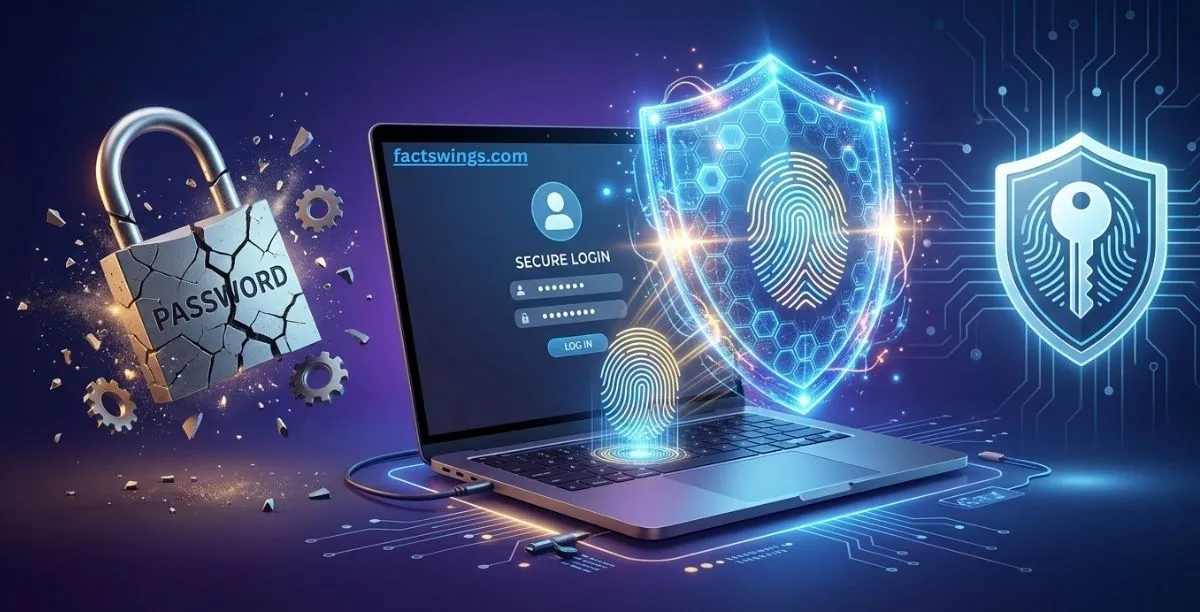
Picture: Passkeys Explained
What Are Passkeys? (Passkeys Explained)
Passkeys are a passwordless login system.
Instead of typing a password like “Fluffy123!”, you simply use:
- Face ID
- Fingerprint
- Device PIN
But the important part is:
👉 Your biometric data never leaves your device.
A passkey works like a digital key system:
- Your device holds one key (private key)
- The website holds another (public key)
Both must match for login.
Why Passkeys Are Safer Than Passwords
Passwords fail because:
1. Phishing attacks
Users can be tricked into entering passwords on fake sites.
2. Data breaches
Hackers steal databases containing millions of passwords.
3. Weak human behavior
People reuse weak passwords like “123456”.
Passwords are shared secrets. Shared secrets can be stolen.
How Passkeys Work (Public-Key Cryptography)
Passkeys use public-key cryptography.
Key system:
- Private Key → stored on your device securely
- Public Key → stored on the website
Login process:
- Website sends login challenge
- Device signs it using private key
- Website verifies using public key
- Login approved
Why Phishing Does NOT Work with Passkeys
Passkeys are bound to real domains.
Example:
- google.com works
- fake g00gle.com fails
👉 This is called domain binding
Even if a user tries to enter a fake website, the passkey simply does not activate.
Security Benefits of Passkeys
✔ No passwords to steal
✔ No phishing possible
✔ No keylogging risk
✔ No SMS dependency
✔ No brute force attacks
Supported Platforms
Passkeys are backed by industry standards:
👉 FIDO Alliance
https://fidoalliance.org/passkeys/
👉 Google Passkeys Guide
https://developers.google.com/identity/passkeys
👉 GitHub Passwordless Login
https://github.blog/2023-07-12-introducing-passwordless-authentication-on-github-com/
Major Websites Supporting Passkeys
- Google (Gmail, YouTube)
- Apple iCloud
- Microsoft Outlook
- Amazon
- GitHub
- PayPal
- Nintendo
- PlayStation
How to Set Up Passkeys
iPhone
- Settings → Security → Passkeys
- Use Face ID
Android
- Google Account → Security → Passkeys
- Use fingerprint/PIN
Windows
- Windows Hello authentication
- Create passkey
Advantages vs Limitations
Advantages
- Faster login
- Strong security
- No password memory needed
Limitations
- Not supported everywhere yet
- Device dependency
- Recovery still evolving
The Fatal Flaw in Passwords That Hackers Love
Passwords have 3 massive problems:
1. You can be tricked into giving them away
This is phishing. A hacker sends you a fake login page that looks real. You type your password. Game over.
2. Websites can leak them
Companies get hacked. When that happens, your password often gets stolen and reused in credential stuffing attacks.
3. Humans are terrible at making them
People still use weak passwords like “123456”. Even strong passwords are often reused across sites.
Passwords are a shared secret. That is the core problem. Anything shared can be stolen.
How Passkeys Use Public-Key Cryptography
Passkeys fix the shared secret problem using public-key cryptography.
Two keys are created:
- Private key: Stored securely on your device (Secure Enclave / Titan M)
- Public key: Stored by the website and useless alone
Login process:
- You click “Sign in with passkey”
- Website sends a challenge
- Your device signs it using private key
- Website verifies using public key
Your passkey only works on the correct domain. Fake websites fail automatically. This is called domain binding.
Can Passkeys Be Hacked?
Phishing
Dead. Domain binding blocks fake websites.
Data breaches
Useless. Only public keys get stolen.
SIM swapping
Does not work. No SMS dependency.
Keyloggers
Useless. Nothing is typed.
Brute force
Impossible due to cryptographic strength.
Real Risks of Passkeys
- Losing all devices without backup can lock you out
- Malware with full device control is still dangerous (rare)
But Apple, Google, and Microsoft sync passkeys securely via cloud systems.
What If I Share Devices?
You can still log in using QR code authentication. Your phone approves login after Bluetooth proximity check.
For multiple devices, passkeys sync automatically via cloud services or password managers like 1Password or Bitwarden.
Downsides of Passkeys
- Not all websites support them yet
- Account recovery still evolving
- Sharing accounts is harder
- Enterprise systems still rely on passwords + security keys
But the trend is clear: passwords are fading out.
Frequently Asked Questions:
1. What happens if I lose my phone?
Passkeys sync via iCloud, Google Password Manager, or Windows Hello.
2. Are passkeys safer than passwords?
Yes, they are phishing-resistant.
3. Can passkeys be hacked?
Extremely difficult due to cryptographic design.
4. Do I need an app?
No, they are built into modern devices.
5. Which sites support passkeys?
Google, Apple, Microsoft, Amazon, GitHub, PayPal and more.
The Bottom Line
Passwords are outdated and insecure.
Passkeys are the future of authentication—faster, safer, and resistant to phishing by design.
Start using passkeys today on your Google or Apple account.
✅ Liked this article? Continue reading here: 👉 What To Do If Your Deepfake Video Goes Viral Online? — Step-By-Step Guide